9–10 Year Olds: The Age When Patience Becomes Possible
Most 9yo can picture what they want the robot to do. Making it actually happen is another matter; and they're old enough to find that genuinely annoying. The kits that work at this age aren't the easiest. They're the ones just hard enough to make solving them feel like something.
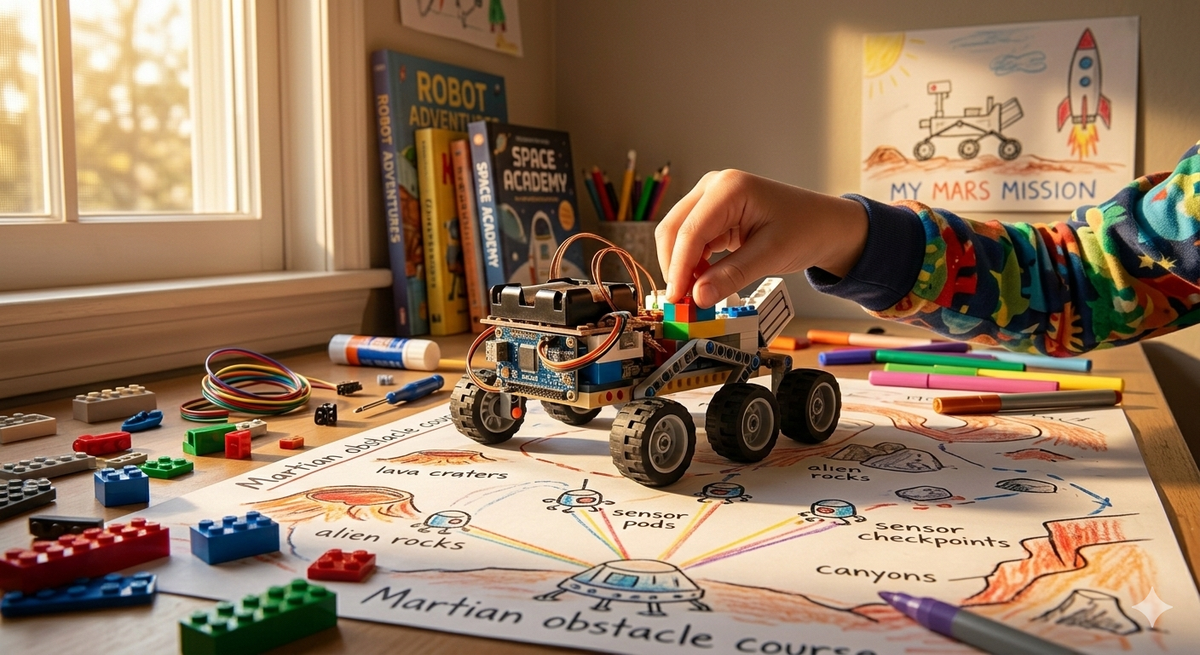
Nine-year-olds know enough to be frustrated by their own limitations. They can picture exactly what they want the robot to do. They just can't always make it happen, and they are old enough to find that genuinely annoying.
That's not a problem. That's the material you work with.
What Children This Age Are Actually Like
By nine or ten, the wiring has shifted in ways that matter for robotics. Children this age can hold a multi-step plan in their head: if the sensor detects the wall, the robot turns left, then loops back, then stops. At six, that's abstract. At nine, it's a puzzle they can sit with for twenty minutes.
Motor skills are solid enough that fiddly builds, the kind with small parts that snap together under tension, are achievable without tears. Attention spans have extended meaningfully, though 'meaningful' still means roughly 45 minutes before the quality of focus degrades. They are also developing something that didn't fully exist at seven: genuine interest in how things work underneath the obvious. Not just what does it do but why does that make it do that.
What they haven't got yet is consistent tolerance for failure. They'll attempt a debugging session, hit a wall, and occasionally throw the instruction sheet across the room. The difference from younger children is that they can be reasoned with afterwards. What did the robot actually do? What did you tell it to do? Where's the gap? Those are conversations nine-year-olds can have, sometimes even while they're still annoyed.
The Kits
LEGO Mindstorms Robot Inventor (51515)
Lego discontinued this kit in 2022, but substantial stock remains available, and it is still the most complete robotics education product at this age. The build is real: the flagship Blast model takes around three hours to assemble, and the first thing a nine-year-old will do once it's together is drive it straight into something to see how the distance sensor responds. That's not misuse. That's the right instinct. Within the first session, they're adjusting what happens when the sensor triggers: stop? reverse? turn? The Scratch-based Mindstorms app makes this visible and immediate.
The honest downside is the price. New stock is around £300 depending on where you find it, and this is a kit that could realistically sit on a shelf in twelve months if their interests move on. If your child already has a strong track record of sustained interest, in Lego, in coding, in anything requiring patient iteration, it's worth the bet. If they're still finding out what they like, it's a large commitment.
Buy on Amazon UK / Amazon US or search eBay for sealed stock at varying prices.
Not for: children who want results in the first 20 minutes. The build alone requires patience before a single line of code is written.
Makeblock mBot2
Where Mindstorms asks a child to build first and program later, the mBot2 arrives largely assembled and gets moving within minutes. The robot comes with an ultrasonic sensor, line-following sensors, and a light sensor already attached. In the first half hour, a ten-year-old will be running the included line-following routine, watching the robot trace a path they drew themselves on a piece of paper, then opening the mBlock app to change what happens when it reaches the end.
mBlock starts in Scratch-style blocks but can transition to Python, the same Python used by professional developers, without switching platforms. That runway matters. A child who outgrows the block interface doesn't need a new product; they need to click one button.
One honest limitation: the chassis is fixed. Unlike Mindstorms, there's no rebuilding into different forms. What you see is what the robot will always be. For children who love the engineering side as much as the programming side, that's a constraint worth knowing about.
Buy on Amazon UK / Amazon US or direct from Makeblock.
Best for: children who want to get into the coding quickly, and who have at least passing interest in eventually learning Python.
Raspberry Pi-based builds (with adult support)
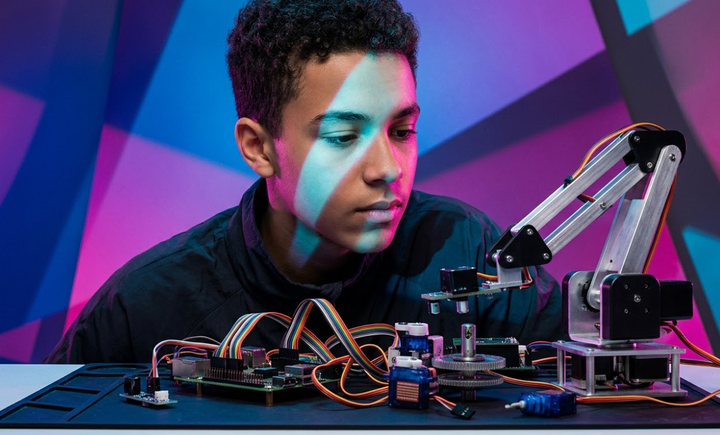
At ten, some children are ready for something that has no instructions, or more accurately, instructions scattered across the internet that need assembling into a coherent project. A Raspberry Pi Zero, a small chassis kit, and a motor controller board costs around £40-60 in total and produces a robot that can be programmed in Python to do almost anything. Almost is the operative word.
The first 30 minutes will be spent on setup, not results, and that requires an adult who is reasonably comfortable with terminals and troubleshooting. This is not a solo project for a nine-year-old. It's a joint project with a parent or older sibling who is happy to work through the frustrating parts collaboratively.
For the right child, one who asks but how does the Wi-Fi module actually talk to the motor and means it, this is more engaging than any off-the-shelf kit because the child built the whole thing. There is no magic black box. Every part is visible and explicable.
Start with the Raspberry Pi Zero 2 W Essentials Kit from Pimoroni (UK) or the Raspberry Pi Zero 2 W from Adafruit (US) and add a robot chassis from a local electronics supplier.
Not for: most nine-year-olds working alone. Not for any household without an adult willing to be genuinely involved.
Sphero BOLT
Sphero BOLT is a transparent ball with a programmable LED matrix inside and enough sensors to keep a ten-year-old occupied for weeks. It connects via Bluetooth, rolls across any surface, lights up according to the program, and responds to speed, direction, and the compass heading it's facing.
The first-session experience is distinct from other kits on this list: within 30 minutes, a child will have programmed the BOLT to flash a pattern when it stops, change colour based on speed, and navigate a simple obstacle course they've designed themselves. It's immediately visual, immediately physical, and immediately theirs.
The limitation is scope. BOLT doesn't build into anything. It doesn't have sensors you can swap out or motors you can redirect. It's an excellent programming toy with a ceiling that some children will reach in six months. Others, particularly children who are drawn to maths and games, will spend a year writing increasingly intricate programs for it.
Buy on Amazon UK / Amazon US or direct from Sphero.
Best for: children whose primary interest is in coding logic rather than mechanical construction.
Arduino Starter Kits
Arduino sits at the far end of the accessibility spectrum and belongs here only because some ten-year-olds are genuinely ready for it, and ignoring it would be dishonest. An Arduino Uno starter kit costs around £35-40 and provides a microcontroller board, components, and a series of projects that progress from blinking an LED to building a basic temperature sensor to controlling a small motor.
There is no friendly app interface. Code is written in the Arduino IDE, which looks like code, because it is code. Projects are built on a breadboard, which means wires plugged into holes, and troubleshooting often involves pulling everything out and starting again.
Children who find this thrilling, and some do, are usually the ones already pulling apart old electronics to see what's inside. For them, the lack of hand-holding is the point. For anyone else, it's an expensive lesson in the limits of ambition.
The ELEGOO UNO R3 Super Starter Kit is the most popular entry point: Amazon UK / Amazon US. The official Arduino Starter Kit costs a little more and includes a well-written project book: Amazon UK / Amazon US.
Not for: children who haven't already shown interest in how electronics work at a component level.
When Things Go Wrong
The most common moment of difficulty at this age is specific: the program ran, the robot did something, but not the right thing, and the child cannot identify where the gap is.
This is different from a tantrum. This is a debugging problem, and it helps to name it that way. Try: let's run it one step at a time and watch exactly what happens at each step. The goal is to find the exact moment the robot diverges from the plan. That's a learnable skill, not a personality trait, and children this age can develop it if someone helps them frame it as a method rather than a failure.
The second scenario: the build is complete, the first programs are done, and the child puts it on the shelf. This happens. If they've chosen the right kit and they're still losing interest, it's worth checking whether the problem is difficulty, meaning they can't progress alone and need a session or two working alongside an adult, or genuine disinterest, in which case the kit was still worth trying. Neither outcome is a failure. One of them might require a different kind of kit next time.
Verdict
For most nine and ten-year-olds, the mBot2 is the strongest starting point. It moves fast, the transition from blocks to Python is built in, and the price, around £80-90, represents a reasonable commitment without betting on a child's interest lasting 18 months. If they're still building Lego sets and want something to actually construct before they program it, the Mindstorms kit is worth tracking down while stock exists. If they're already asking how to make a servo motor move and what Python actually is, skip both and build something with a Raspberry Pi.
The BOLT is for the child who loves programming games and puzzles more than mechanical builds. Arduino is for the rare ten-year-old who is already taking things apart to understand them, and has an adult willing to work alongside.
Nine and ten is an age where the right kind of frustration, the I know this should work and I'm going to figure out why it doesn't kind, starts to produce something useful. The kits that work at this age aren't necessarily the easiest. They're the ones that are just hard enough to make solving them feel like an achievement.
That's what the best robotics kit for a nine-year-old actually is: the one that gives them a problem they can almost solve.
Links verified as of March 2026. The Mindstorms kit is discontinued so stock and pricing shift frequently — worth checking multiple retailers.