Robotics for 7–8 Year Olds: When Investigation Replaces Frustration
Seven-year-olds execute a sequence. Eight-year-olds ask what happens if they change step three. That shift, from following a plan to constructing one, changes which kits are worth exploring. The ones that worked at six may already be too easy.
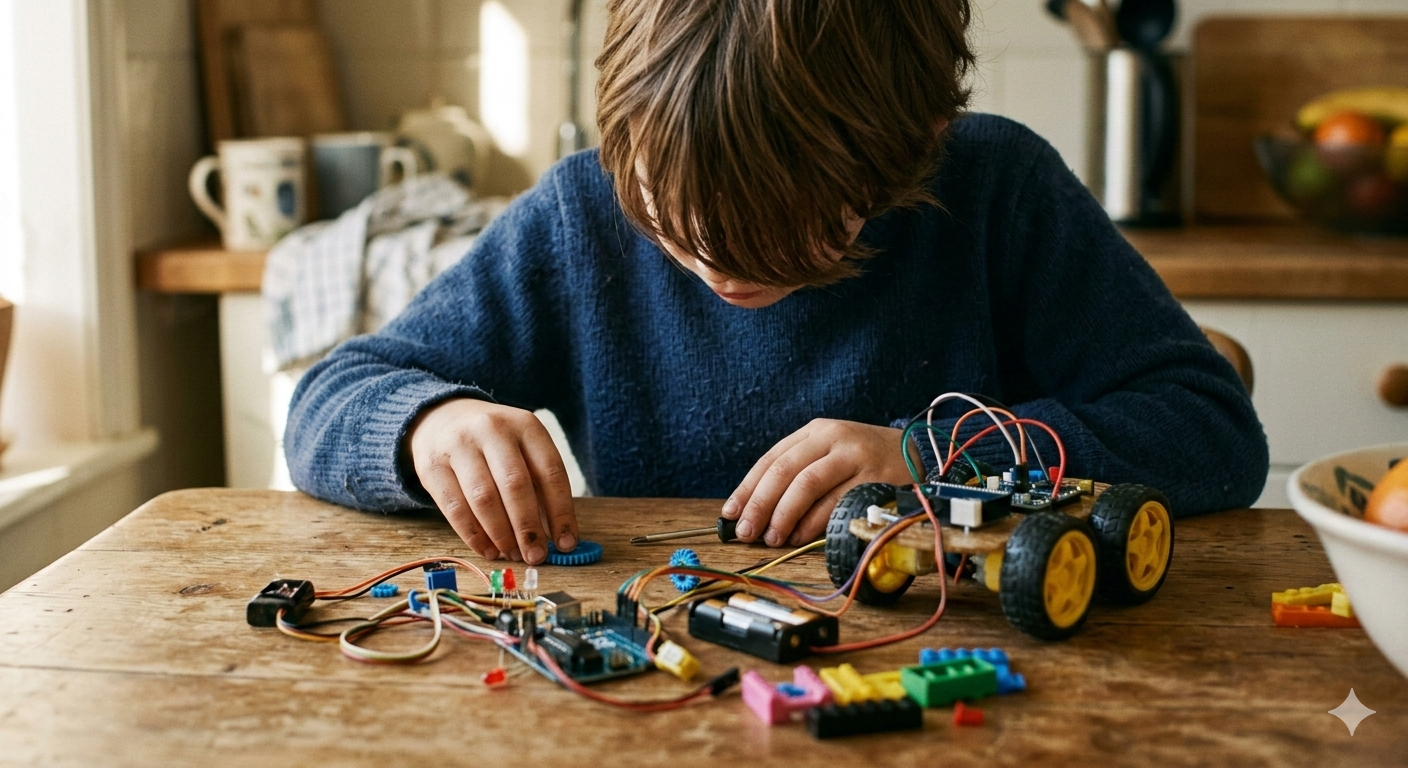
Seven-year-olds don't just want the robot to move. They want it to go exactly where they said. Eight-year-olds are starting to ask what happens if. That shift, from executing a plan to anticipating outcomes, is what separates this age group from the one below, and it's what determines which kits are relevant now.
If you're coming from the 6-7 year olds guide, some of this will feel familiar. The difference at 7-8 is that the gap between intention and execution, which at six produced frustration, starts at seven to produce investigation. Children this age are old enough to sit with a problem and try something different rather than escalating or walking away. That's not a small thing. It's what makes more demanding kits viable.
Fine motor skills are largely settled. Most children this age can manage connectors, a screwdriver, and a tablet interface without help. Assembly tasks that would have eaten a full session at five and six now take 15 minutes and leave time for actual programming.
What develops most meaningfully between six and eight is forward planning in code. A six-year-old executes a sequence. A seven or eight-year-old is starting to construct one with an outcome in mind, i.e., imagining what the robot will do at step six before they've finished programming step three. That capacity is what the kits below are designed to reach.
Attention spans run to 40 minutes or more on something genuinely engaging, and tolerance for repeated failure has grown. A child this age can debug, with guidance. Not always independently (that comes later), but they can hold the idea that the error is somewhere in the instructions and try to find it.
What they still can't do reliably is reverse-engineer a multi-step failure alone. When the robot does something unexpected at step seven of a ten-step sequence, identifying exactly which earlier step caused it requires a kind of systematic thinking that mostly needs adult company to develop at this age. The kits that work here build in enough visible feedback that those debugging sessions are tractable rather than opaque.
The kits
Sphero indi
indi teaches programming logic before any app is involved, which at this age is a considered starting point rather than a limitation. Lay out colour-coded tiles on the floor: green speeds up, pink turns left. Build a course. Set the robot loose. In the first session, a child will be redesigning the course to see if indi can navigate it, then swapping tiles to change its behaviour: testing predictions rather than just watching what happens.
The physical, floor-level nature of indi suits children who think spatially. The companion app extends it when they're ready. What changes at 7–8 is how children engage with the tile layout: younger children discover what tiles do. Children this age tend to plan a course and engineer the tile sequence to make the robot navigate it. Same kit, different cognitive engagement.
The honest downside: at around £120 / $130, it's priced for a kit that does less than some cheaper alternatives. The quality of the physical design is genuinely good, but the ceiling is lower than mBot or Jimu.
Not for children who are already comfortable with screen-based coding and want to push further. Very much for children who think spatially, those who aren't ready for an app, or as a confidence-builder before moving to something more complex.
Buy in the US: Amazon US / Sphero.com. Buy in the UK: Amazon UK / Sphero.com.
Makeblock mBot
mBot is a single robot that children build themselves (roughly 15 minutes, screwdriver included) then programme repeatedly through a Scratch-based app. The build is short enough that it doesn't eat the session. In the first 30 minutes, a child will have mBot following a line on the floor, then changed the code to make it stop when it detects an obstacle, then changed it again to see what else shifts. The Bluetooth connection means updates load almost instantly, which keeps the iteration loop tight.
This is the kit where the programming starts to feel like programming. Sphero indi and the screen-free options work through logic by proxy. mBot puts a child in front of actual code blocks and asks them to think about what each instruction does. At 7–8, most children are ready for that, and find it satisfying rather than overwhelming.
Worth noting: mBot runs on a proprietary version of Scratch, and children who move to standard Scratch later will find small differences. Not a dealbreaker, but worth knowing if Scratch is likely to be in their future at school.
Not for children who want to build something complex from components before they programme it. Very much for children ready for screen-based coding who want to build and programme the same robot repeatedly. The strongest all-round choice at this age for most children.
Buy in the US: Amazon US / Makeblock.com. Buy in the UK: Amazon UK / Makeblock.com.
Ozobot Evo
Ozobot Evo is the upgraded version of Ozobot Bit, which appears in the 5–6 and 6–7 guides. If your child has already had Ozobot Bit, Evo is the natural continuation: it adds Bluetooth, a companion app, and block-based coding on top of the drawn-line system. For a child encountering it fresh, the entry point is the same: draw a path on paper with markers, add small colour sequences, and Ozobot follows the line and executes those commands.
The artistic entry is genuinely different from every other kit here. For children who draw constantly and feel ambivalent about "robotics" as a category, it's the one to try.
At 7–8, the precision problem that affected younger children with Ozobot Bit has largely solved itself. Fine motor development is far enough along that colour codes can be drawn accurately, so the programming logic can actually be explored rather than constantly fighting misreads.
The honest downside is the feedback loop. Changing behaviour means redrawing, which takes more time than adjusting a code block. For a child who wants to iterate rapidly, that friction adds up quickly.
Not for children who want immediate, dramatic movement and rapid testing cycles. Very much for artistically inclined children, those who find the word "coding" off-putting, and those graduating from Ozobot Bit.
Buy in the US: Amazon US / Ozobot.com. Buy in the UK: Amazon UK / Ozobot.com.
Artie 3000
Artie draws. Children code commands using drag-and-drop blocks or, eventually, Python, and Artie executes them with a standard marker. In the first 30 minutes, a child will have written code to make a square, noticed it isn't quite square, worked out the angle error, and fixed it. That specific moment - geometric problem-solving through code - doesn't happen with most other kits and is what makes Artie worth including here.
It connects over WiFi and runs in a browser, which means no app installation and use on any device. The downside: Artie is deliberately narrow. It draws. If a child wants a robot that navigates, detects obstacles, or does anything physical beyond producing geometric artwork, this isn't it.
Not for children who want a robot that does more than one thing. Very much for maths-oriented children and those who connect making and geometry in a way that mBot's obstacle courses don't reach.
Buy in the US: Amazon US / Educational Insights. Buy in the UK: Amazon UK / Learning Resources.
UBTECH Jimu Robot
Jimu uses servo motors that produce smooth, realistic movement - the robot actually looks like it's walking rather than lurching. Children build from 3D step-by-step instructions in the app, then programme sequences and movements using block-based code. The pieces are reusable across different designs, so a child can build a dinosaur one week and something else the next without buying a new kit.
The first 30 minutes will be building, not programming. The assembly is more involved than mBot and will take most of an initial session. Some children will love this. Others will find it front-heavy, wanting to get to the coding and stuck in build mode longer than they expected. Know your child before committing.
Not for children who want to be programming within 10 minutes. Very much for children who enjoy building as much as coding, and those with the patience for a longer setup phase before the payoff.
Buy in the US: Amazon US / UBTech. Buy in the UK: Amazon UK / UBTech.
When things go wrong
The two problems that show up most at this age are different from each other and need different responses.
The first is diagnostic frustration: "it won't do what I want." Sit with them, go back to the last step that worked, and ask what changed. Don't solve it. Ask. "What did you change between when it worked and when it stopped?" teaches more than watching a parent debug. Children this age are capable of finding the error themselves if someone slows them down and frames it as detective work.
The second is the kind that tips into shutdown - they've been stuck for 20 minutes, they're not engaging with suggestions, and the session has gone wrong. That's not a debugging problem. That's the end of the session. Box it up with no commentary about trying again, and come back tomorrow. A child who associates the kit with a bad afternoon will avoid it. One who associates it with "we stopped when it got hard and came back the next day" has learned something more durable than any individual coding concept.
Verdict
For most children at this age arriving at screen-based coding for the first time, mBot is the right choice. Fast to build, fast feedback, and enough room to grow.
Sphero indi if they're not ready for screens or you want to establish the logic before the app arrives. Ozobot Evo for the child who would rather be drawing, especially if they've already had Ozobot Bit. Artie 3000 for the one who connects maths and making. Jimu if the building is as interesting to them as the programming.
The kits that end up under the bed at this age are almost always the ones that were too easy, not too hard. A child who masters something quickly and has nowhere to go with it loses interest fast. The ceiling matters more now than it did at five.
Children at 7–8 are old enough to feel the satisfaction of solving something genuinely difficult. That's the thing worth engineering for.